
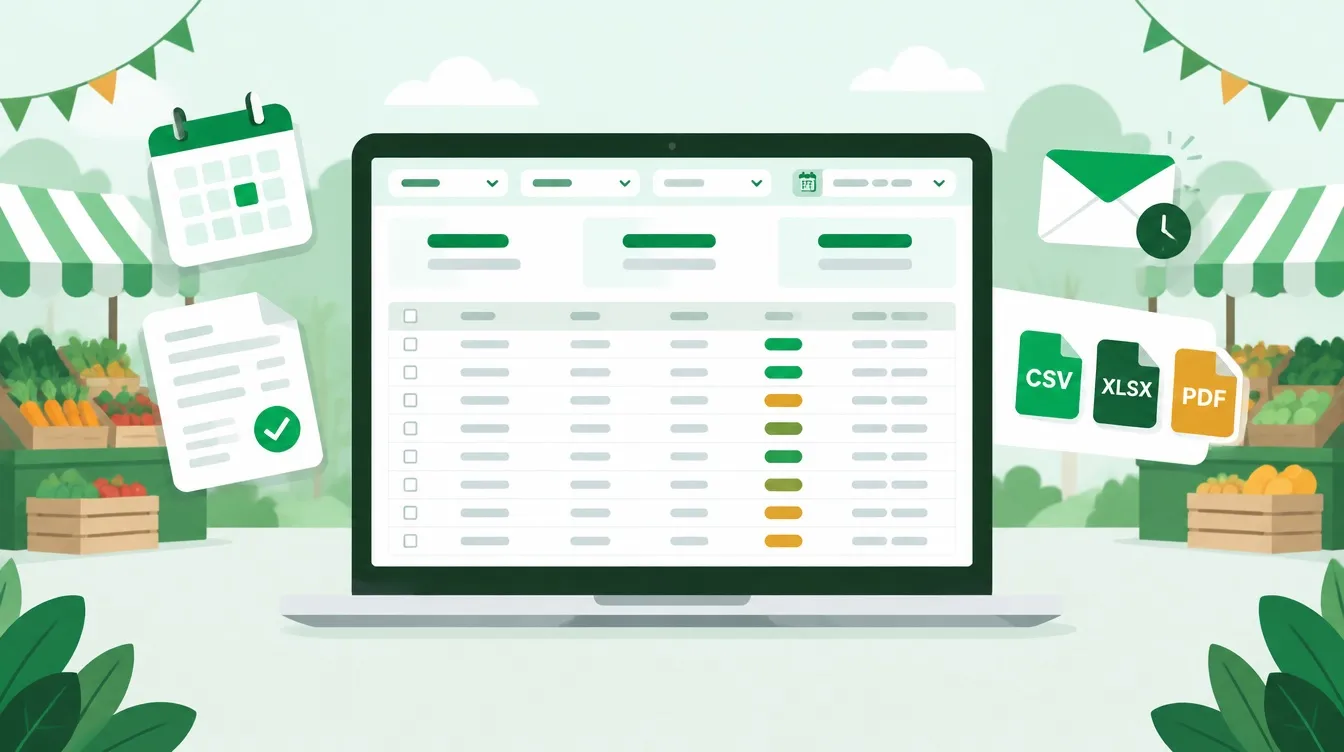
Reporting is now built into LocalStalls, with 20 ready-made reports covering bookings, finances, applications, event performance, stallholders and compliance.
Save the reports you regularly use, schedule them for automatic email delivery, or export them to CSV, Excel and PDF.
20 reports · 6 categories · 3 export formats · Scheduled daily, weekly or monthly
Every event manager seems to have that folder: the spreadsheet rebuilt before each committee meeting, council report, acquittal or market day.
The information was already in LocalStalls, but getting it into the right format often meant exporting one list, placing it beside another and rebuilding the same filters and formulas used last month.
That spreadsheet can now be retired.
LocalStalls reporting is built around the questions event managers regularly need to answer:
- Who is trading this Saturday, and where are they positioned?
- Which invoices are overdue?
- How full are upcoming market dates?
- Which stall categories generate the most revenue?
- Which stallholders have stopped returning?
- Whose liability insurance expires before their next booking?
Each report includes filters, customisable columns and a summary of the figures that matter. Once you have configured a report, save it as a view and return to it whenever you need—or have it delivered automatically to your inbox.
Explore the reports
Reports are grouped according to the job they perform. Access follows each team member's role, so financial and compliance information remains available only to authorised users.
Bookings
Three reports covering who is booked, where they are trading and what happened to cancelled bookings.
Booking register
View every stall booking, with one row for each stall on each market day.
The report includes the booking status, assigned position, stall category, booking source, invoice amount and payment status.
Event-day stallholder list
Your run sheet for market day.
Select an event date to produce a list of stalls, positions, stallholders, contact details and categories, with a column for checking stallholders off as they arrive.
This report can also be exported or printed as a PDF.
Cancellations
Review every cancelled booking, including:
- When and by whom it was cancelled
- The cancellation reason
- How much notice was provided
- Amounts paid and refunded
- Whether another stallholder filled the space
Money
Seven reports showing what was invoiced, what has been paid, what remains outstanding and where revenue is coming from.
Outstanding invoices
Your invoice chase list.
See every unpaid invoice and the number of days it is overdue. Aging summaries let you quickly identify invoices that are 30, 60 or 90 days overdue.
Payments received
View every successful payment, with one row per transaction.
Details include the payment date, method, gateway reference, gross amount, surcharge, net amount, credits used and any refunds.
Revenue summary
A concise financial summary for committee meetings, boards and internal reporting.
For each event, see the amounts invoiced, paid, part paid, outstanding and overdue, together with discounts, refunds, surcharges and tax collected.
This report includes reconcilable totals and can be exported to PDF.
Invoice register
See every invoice in one place, regardless of its status.
The report includes amounts, balances, due dates, payment methods, refunds and whether the invoice has synced to Xero or QuickBooks.
Refunds
Review every full or partial refund, including the amount, reason and refund type.
Revenue by category
Understand which stall categories generate revenue for your events.
For each category, see confirmed stalls, invoiced amounts, payments received, outstanding balances and its share of overall revenue.
Revenue by stallholder
Identify your highest-value and most active traders.
See confirmed stalls, invoiced amounts, payments received, outstanding balances, lifetime payments and each stallholder's share of total revenue.
Applications
Two reports covering the applications you receive and how successfully they convert into confirmed bookings.
Applications detailed
View every booking request and organisation application, including applicant details, requested dates and selected categories.
Answers to your own application form questions can also be added as report columns.
Application summary and funnel
See the application journey for each event:
- Requests received
- Pending applications
- Accepted and declined applications
- Approval rate
- New and existing stallholders
- Invoiced, paid and confirmed bookings
Event performance
Two reports helping you understand how full your markets are and how individual dates compare.
Capacity and occupancy
For each market date, see:
- Available stalls
- Confirmed and pending bookings
- Vacant spaces
- Waitlisted stallholders
- Occupancy percentage
This makes it easier to identify dates that need additional promotion while there is still time to fill them.
Event performance
Compare market dates using bookings, confirmations, cancellations, occupancy, no-shows, new and returning stallholders, average booking value, revenue and outstanding amounts.
Stallholders
Three reports covering who your stallholders are, how often they attend and who may have quietly stopped returning.
Stallholder directory
View your complete stallholder list, with one row per stallholder.
Available information includes contact details, membership status, joining date, credits, booking history, lifetime payments and outstanding balances.
Choose the columns you need to create a practical, exportable contact list.
Stallholder booking and attendance history
Review confirmed bookings, attendance, cancellations and no-shows for each stallholder.
The report can be sorted by the highest number of no-shows, making it easier to identify repeated attendance issues.
New, returning and lapsed stallholders
Classify stallholders as new, returning or lapsed within a selected period and view the overall stallholder return rate.
It is a quick way to recognise loyal regulars—and spot stallholders who may have drifted away.
Compliance
Three reports helping you follow up insurance, permits and certificates before market day.
Expired documents affecting upcoming bookings
See expired documents held by stallholders who are booked to trade on upcoming dates.
Each item is shown against the affected market date and assigned stall position, helping you prioritise the most urgent follow-ups.
Documents expiring soon
View documents due to expire within the next 60 days, alongside each stallholder's upcoming bookings.
This gives stallholders time to provide updated documents before they are due to trade.
Missing required documents
Identify stallholders who have not supplied a required document, with those trading soonest appearing first.
More than a collection of reports
Save your preferred views
Save your filters, visible columns and sorting preferences together under a name you choose.
Views such as Saturday run sheet, Upcoming document expiries or 60-day invoice chase list are then only one click away and can be shared with your team.
Schedule automatic delivery
Any saved view can be emailed daily, weekly or monthly at a time you choose in your own timezone.
Reports can be delivered to multiple recipients in Excel or CSV format.
Export exactly what you see
CSV and Excel exports reflect the filters and columns currently displayed on the screen.
The event-day stallholder list and revenue summary can also be exported to PDF.
Build your own export
When you need a straightforward list instead of a full report, use the custom export builder.
Choose from applications, bookings, stallholders, invoices or payments, select the columns you need and export the results.
Add your own questions as columns
Your application form questions can be displayed as columns in the applications report.
Compliance document types created for your organisation can also be added as expiry-date columns in the stallholder directory.
Keep sensitive information protected
Reporting includes three access levels:
- General
- Financial
- Compliance
This allows staff to access the operational information they need without automatically receiving access to financial or compliance records.
Scheduled reports also follow the permissions of the person who created them.
Numbers you can trust
A report is only valuable if you can trust the information it contains.
One of the most important parts of building LocalStalls reporting was ensuring the figures agree with the screens you already use every day.
- Outstanding invoices reconcile with the Pending tab on your invoice list.
- Payments received match your payments list.
- Unfiltered payment totals match your dashboard revenue.
- Booking counts match the Dates tab within your events.
- Stallholder totals match Stallholders → Bookings.
Where a figure cannot be accurately divided—for example, an invoice covering multiple stallholders across several markets—the report identifies the limitation rather than making an assumption.
Each report also includes a short explanation of what it covers, how its figures are calculated and any limitations to understand before sharing it with a committee, board or council.
Where to find reporting
Open Reports from the LocalStalls sidebar.
Reports are grouped into the six categories outlined above, making it easy to find the information you need.
If you are not sure where to begin, start with:
- Event-day stallholder list before your next market.
- Outstanding invoices on your next administration day.
Those two reports alone can save hours of repeated preparation.
Reporting is available now to all LocalStalls organisations.
Is there a report you still need? Tell us the question you are trying to answer. Several of the 20 reports included in this release began with exactly that kind of request.